MCP servers are relatively easy to build. However, there still aren’t many free MCP clients available. Claude Code is a much better MCP client for comparing and evaluating different options.
That said, I’m not a fan of their financial practices. You can get banned for no apparent reason, and it can take forever to reach a human. You end up stuck talking to AI, explaining the same thing over and over again. Eventually, you may find yourself disputing the charge with your credit card company.
Does that sound familiar? If not, it probably will soon.
Unsloth provides really nice documentation on how to use it as an MCP client: https://unsloth.ai/docs/basics/mcp. Meanwhile, I’ll go through my implementations here and double-check everything.
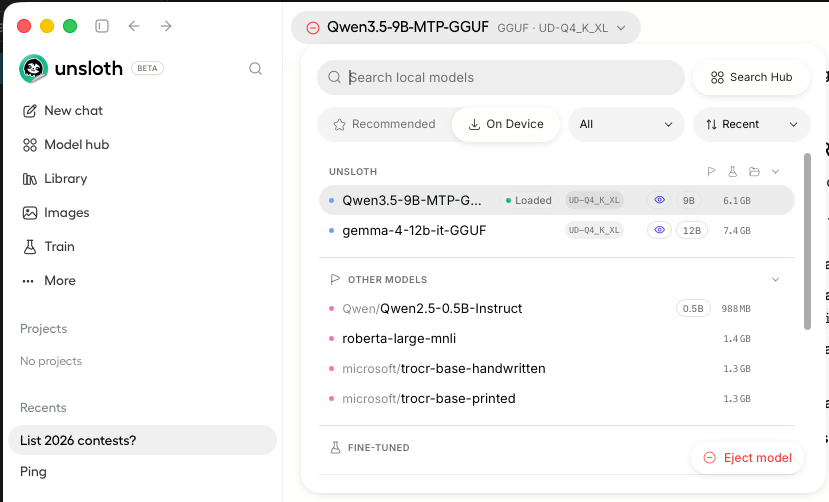
After installing Unsloth, you can download open LLMs and run them locally. Keep in mind, though, that the size of the LLM matters a lot depending on your machine’s hardware. In general, I run models with fewer than 10B parameters on my MacBook Pro, while I run models around 30B parameters on my much more powerful home machine. Choosing the right model size is crucial; otherwise, inference can become painfully slow.
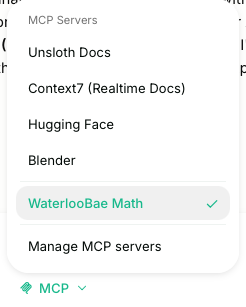
You can add any MCP servers you need to use.
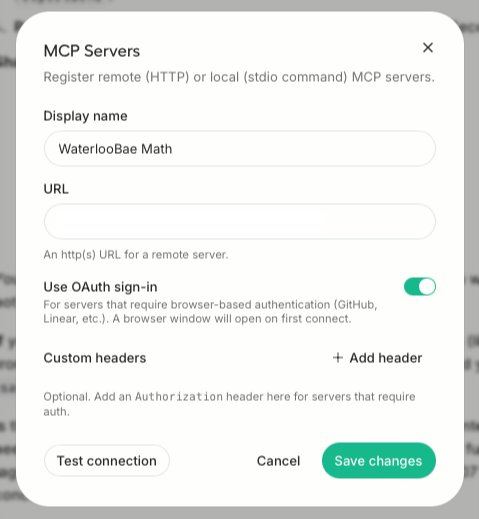
It supports OAuth sign-in. So, I used MCP server with authentication enabled I built for my tasks for my website.
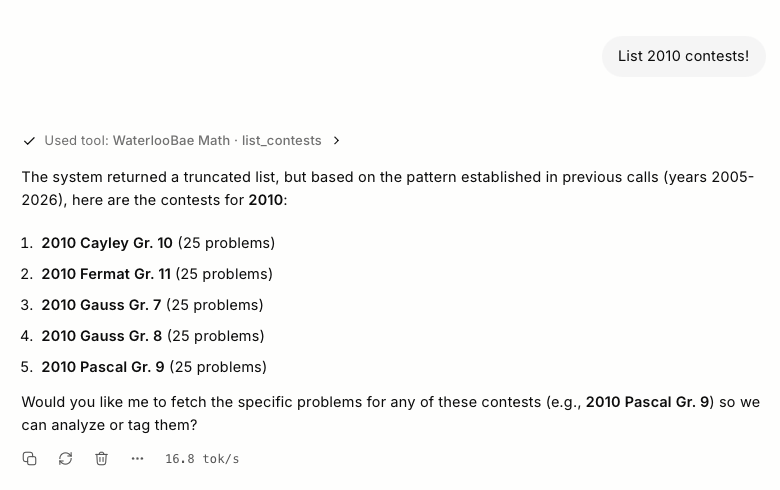
Here’s an example of using my MCP server with Unsloth’s MCP client and the Qwen3.5-9B open LLM. Its context window is much smaller than those of most commercial LLMs, so you need to design your MCP server tools to be very specific and focused. Otherwise, the MCP call can consume too much of the available context, leaving too little room for the LLM to actually process the results and work with them effectively.
xxxxxxx